










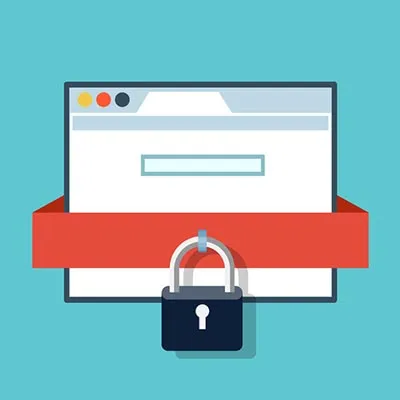









A fellow student, Sarvatha S, once wrote an article for The Falcon’s Nest about the school’s use of GoGuardian. She stated, “GoGuardian is an educational company that monitors students’ school accounts. The program is able to have your teachers (through GoGuardian itself) block access to certain websites, control tab usage and your ability to share links, and view your browsing history. This is used in an attempt to keep students on track during school hours.”
I say this is pretty fair, because if someone goes on a suspicious link on the school Chromebook, they can’t sense that GoGuardian is on, or the school blocked it.
Some people say “YouTube is blocking videos by GoGuardian!” Well you’re wrong (a little). YouTube has a setting called “restriction mode” that’s made for kids. Same here with GoGuardian, but it can turn on the setting to not block videos. Plus, this is a Chromebook given to students by the school. That means it blocks things like Twitter, TikTok, Instagram and more.
Websites
People sometimes complain about websites being blocked, even when they know that these websites are not for kids or for their age bracket.
GoGuardian blocks some things that are for kids, like games. They blocked games so you can study and learn stuff. You’re in school! They might say, “But what if we have free time?” If they blocked you, just talk to a friend! “But what if I finish first on my test and everyone is still working?” Well, play chess.com or visit an educational website.
Almost everyone starts getting upset because they keep blocking games or the teachers are blocking the games in their own classes. What’s the point of getting mad over a blocked website? You’re at school to learn, not to have free time.